At a glance
- A smart TV works: VERSE TV runs on Samsung, LG, Android TV, Google TV, Fire TV, Windows and Linux, or in any browser.
- Free on TVs you own: unlimited screens, content, schedules, playlists and the app.
- Paid plans add Pro features (Business, from $10 per screen a month) or keep the venue ad-free (Clear, $49 a month).
- Pair a screen by QR code or six-digit code, from your phone.
Can you use a normal TV for digital signage?
Yes. Digital signage used to mean a special screen and a media player box. Today most smart TVs can run a signage app themselves. VERSE TV installs on Samsung (Tizen), LG (webOS), Android TV, Google TV and Amazon Fire TV, and on Windows and Linux, including Raspberry Pi. Any browser works too, at hub.verse.ad/screen.
A consumer TV is fine for most cafés, salons and shops. A commercial display is built for longer hours and brighter rooms; it is worth it for screens in a sunny window or ones that run day and night.
What you need
| What | Notes | |
|---|---|---|
| A screen | The TV you already have | Smart TV, Fire TV stick, or a PC or Raspberry Pi on any screen |
| The player | VERSE TV | Free, from your TV’s app store; see Download |
| The manager | Screen Manager on your phone | Content, schedules and screens in one app |
| Internet | Wi-Fi or a cable | The player keeps playing what it has cached if the connection drops |
| Content | Menus, offers, opening hours | Make it with AI Studio from your brand kit, or upload your own |
What free digital signage includes
Free should mean free. On the VERSE Free plan you get:
- Unlimited screens on TVs you own, with no per-screen fee and no trial.
- Content, schedules and playlists, including rules by time of day and by weather.
- AI Studio for menus, offers and posters in your brand kit. Menus can be made in English, French and Arabic.
- Landing pages and QR codes, and the Screen Manager app.
The plan is free because the screens can also carry ads, in the time you choose. Ads in that time pay you. If you would rather have no ads, you can opt for a subscription that keeps the venue ad-free.
What it costs to go further
| Plan | Price | For |
|---|---|---|
| Free | $0 | Unlimited screens on TVs you own, content, schedules, playlists, landing pages and the app |
| Business | From $10 per screen a month | Pro mode, custom layouts and widgets, store plans and zones, groups, roles and brand controls |
| Clear | $49 a month per venue | No ads, ever, with Pro mode and everything in Business |
| Enterprise | Custom | Retail networks: Raspberry Pi kiosks, dedicated operations, SSO |
All plans are on the Pricing page.
Menus and offers on screen in an afternoon
- Install VERSE TV on the TV from its app store, or open hub.verse.ad/screen in a browser.
- Pair it. Open the Screen Manager app and scan the QR code on the TV, or type the six digits. The screen appears within seconds. See pair a screen.
- Make your content. Describe what you want and AI Studio makes it in your brand kit, or upload images and videos.
- Schedule it. Breakfast menu until 11, lunch until 3; hot drinks first when it rains.
- Add more screens. Put screens in a display group so they change together.
What to put on the screen
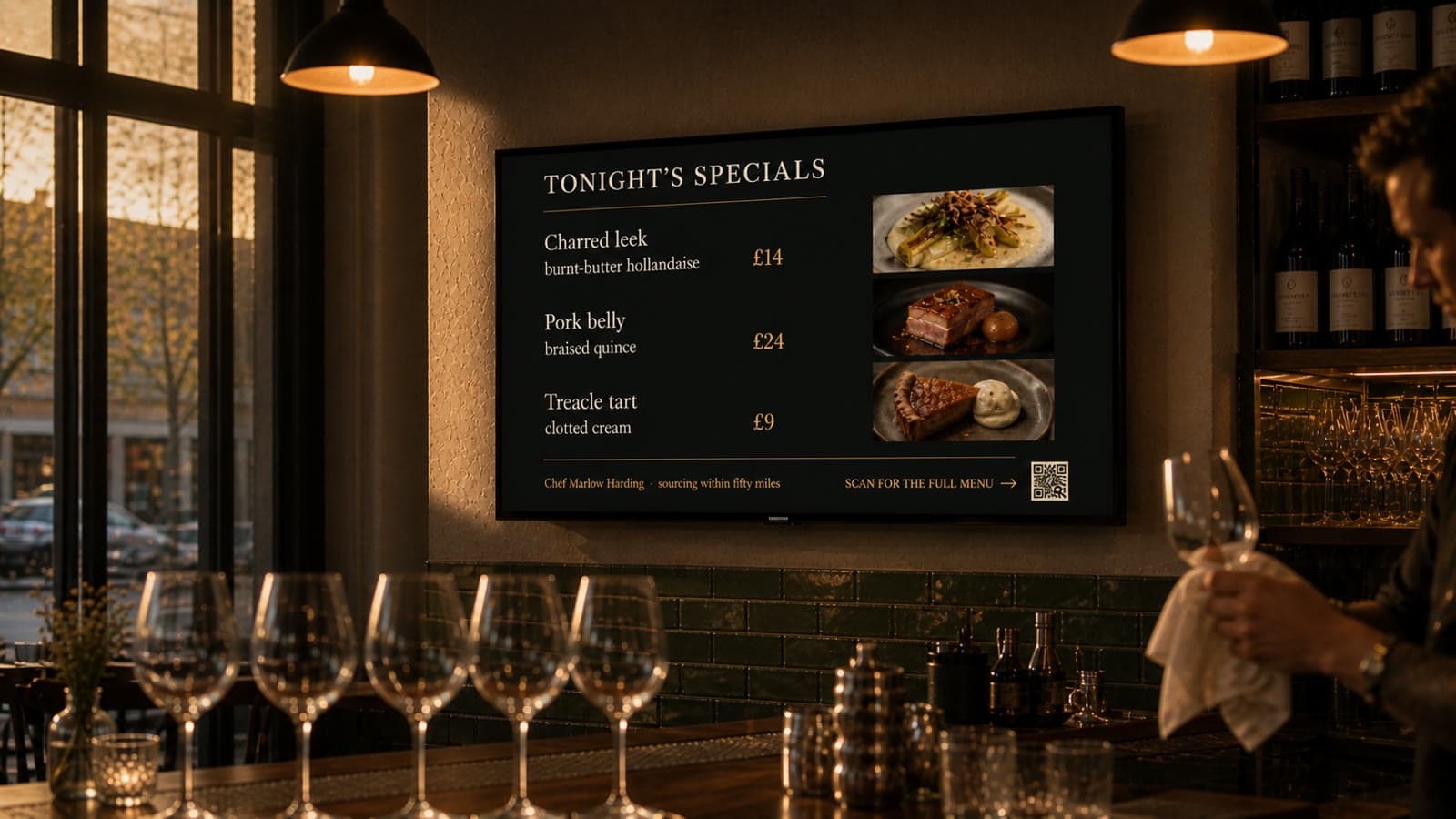
- Cafés: the menu by time of day, today’s special, an order-ahead QR code.
- Salons: prices, recent looks and the next free slot.
- Gyms: the class board and the coach of the day.
- Pharmacies: health advice, services and seasonal offers.
- Shops: offers that change by the hour, new arrivals.
- Offices: company news and visitor welcomes.
Free vs paid signage: what to check
Before you choose any signage software, check:
- Per-screen fees. Is the free plan limited to one screen, or a trial?
- Hardware. Do you have to buy a player box, or does it run on your TV?
- Offline playback. Does the screen keep playing when the internet drops?
- Ads. If the software carries ads, who chooses how many, and can you block categories and competitors?
- Your phone. Can you change the menu from your phone in a minute?