Two products. One network between them.
Screen Manager runs the venue's screens. Ads Manager buys ad time on the same screens. Every play is logged, every scan is traced, and the venue is paid.

Digital out-of-home, moved indoors.
Out-of-home began as the poster on the street. Digital screens sell it by the hour. VERSE puts it on the TVs in cafés, gyms and shops, where people sit and wait.

AI-native digital signage.
- 1Install and pair. VERSE TV on the TV you own; scan the QR or type six digits.
- 2Run your content. Menus, playlists, schedules with layers, AI Studio in your brand kit.
- 3Choose ads, or not. Set ad time per hour and blocked categories, or keep it ad-free.
- 4Get paid. 25 to 35% of ad revenue, withdraw any time, free over $200.
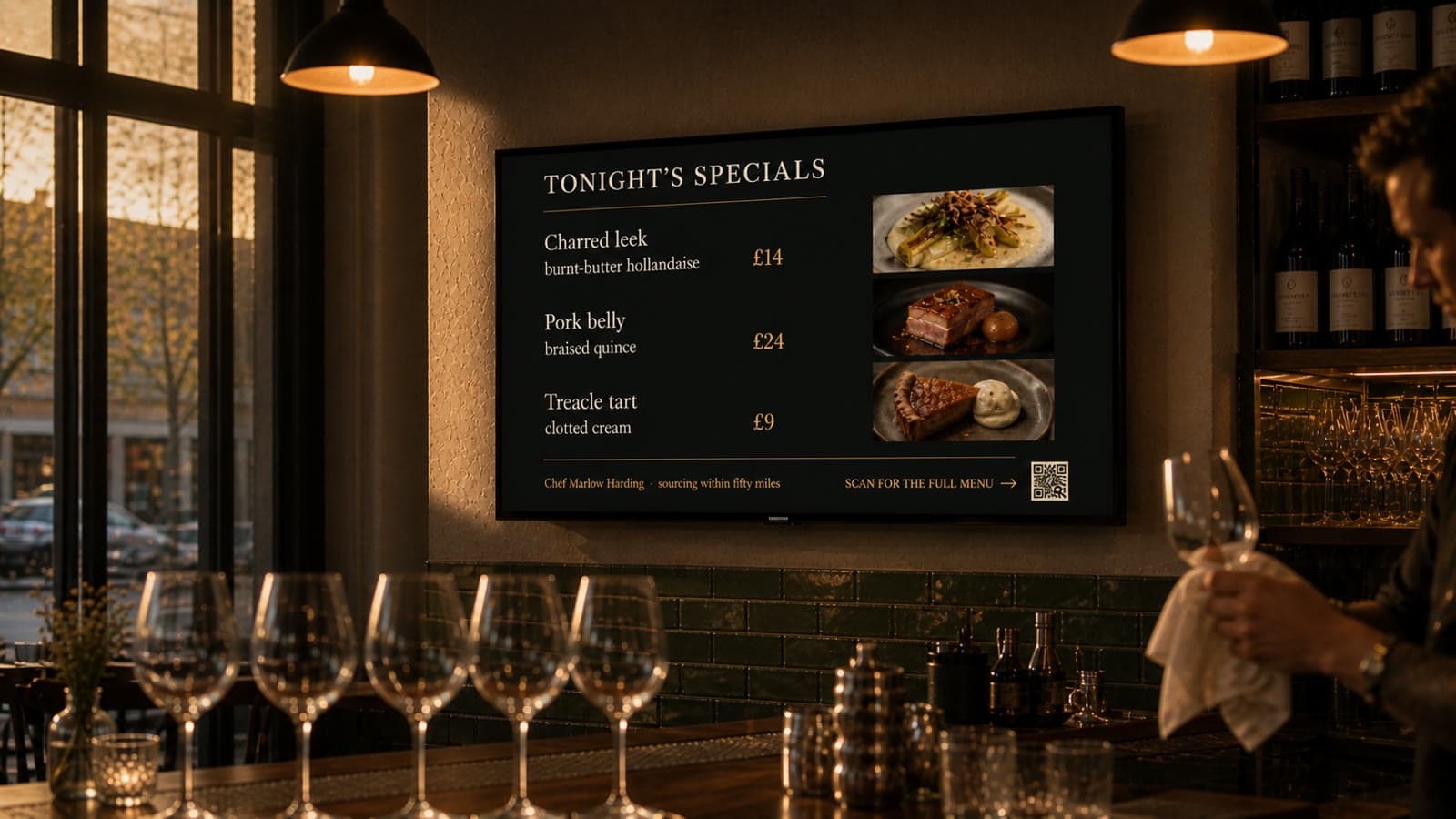
AI-native advertising.
- 1The ad. Upload or make one in AI Studio, with a QR to a landing page or a game.
- 2Where and when. Areas, kinds of venue, an hour-by-weekday grid, weather rules.
- 3Budget. A budget from $1, a fit sentence, a price locked at booking.
- 4Results. Impressions per play, scans to screen and hour, the Pixel for what happens next.

The rules of the marketplace.

One assistant, the same contract everywhere.
⌘K in Ads Manager, Ask VERSE in Screen Manager, the orb in the app. It shows the steps, the money and the credits, asks, runs, offers Undo and writes to the journal. Open to your own tools through the MCP server and API.

The venue. VERSE is software on the venue’s TV; the venue decides what plays and how much time goes to ads.
It keeps 25, 30 or 35% of the ad revenue its screens earn, set by uptime and the ad time it gives each hour. Withdraw any time.
By the impression, from $1 CPM. The CPM rises with the place and hour, and is locked at booking. Agencies get up to 30% off.
Every play is logged by the VERSE TV app and credited with impressions from our proprietary audience model for that venue, hour and screen, checked by unannounced audits and calibrated with scan data.
Act without showing the plan, the money and the credits, and without a confirmation. Every action can be undone and is in the journal.
Whichever side of the screen you're on.
Venues pair a screen in about a minute. Brands plan an ad in four steps. Agencies open a workspace per client.